ChatIX with your context
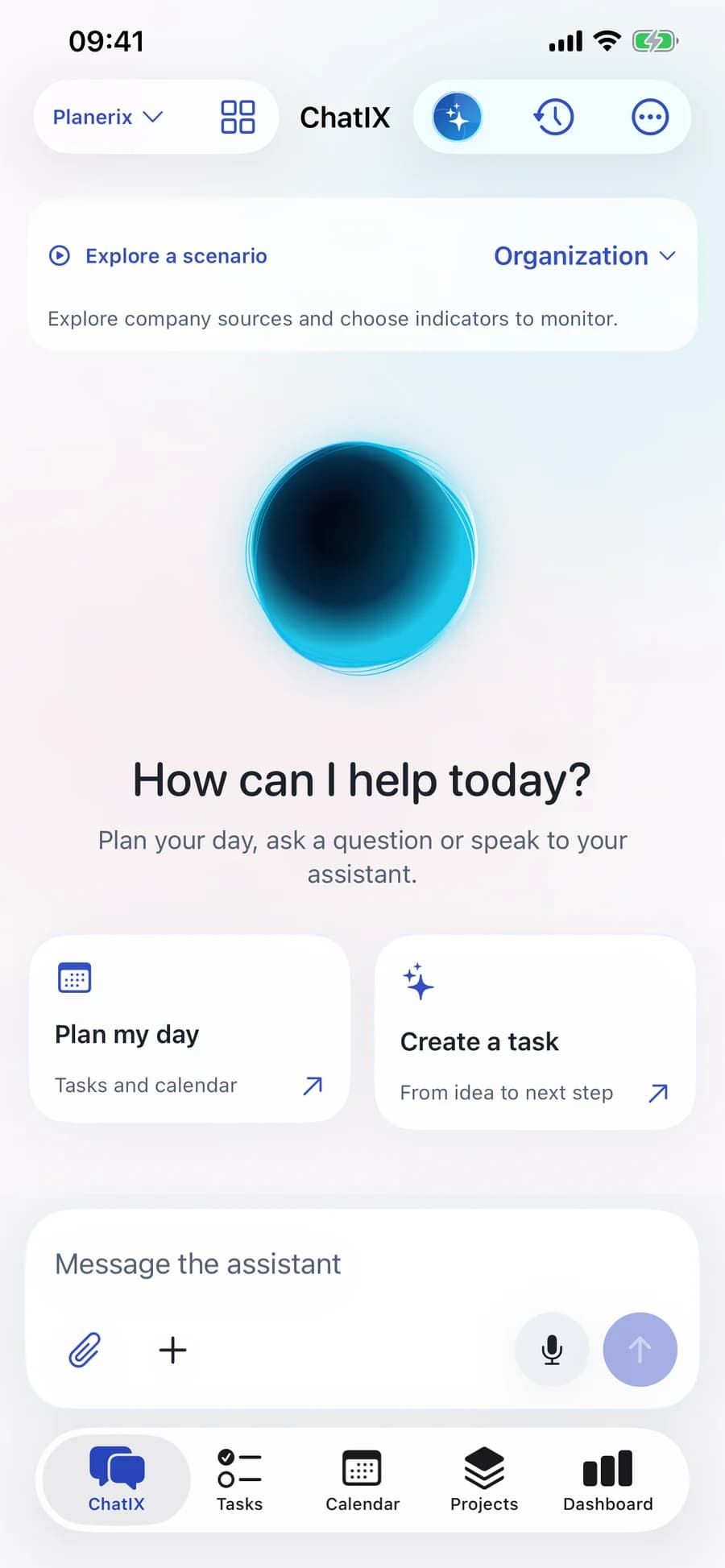
Ask by text or voice. Open a task, project or event in the conversation and explore the information available to you.
Native iOS applications
Purpose-built iPhone experiences for company owners, accountants, restaurant leaders and their teams. The same authorized company context, in the moments you need it.
Planerix Mobile · ChatIX
Ask ChatIX, plan your day and move work forward. Projects, tasks, calendar and the indicators you need, together on iPhone.
Request a walkthroughMobile access is arranged with the team. Features and connected sources depend on your workspace and permissions.
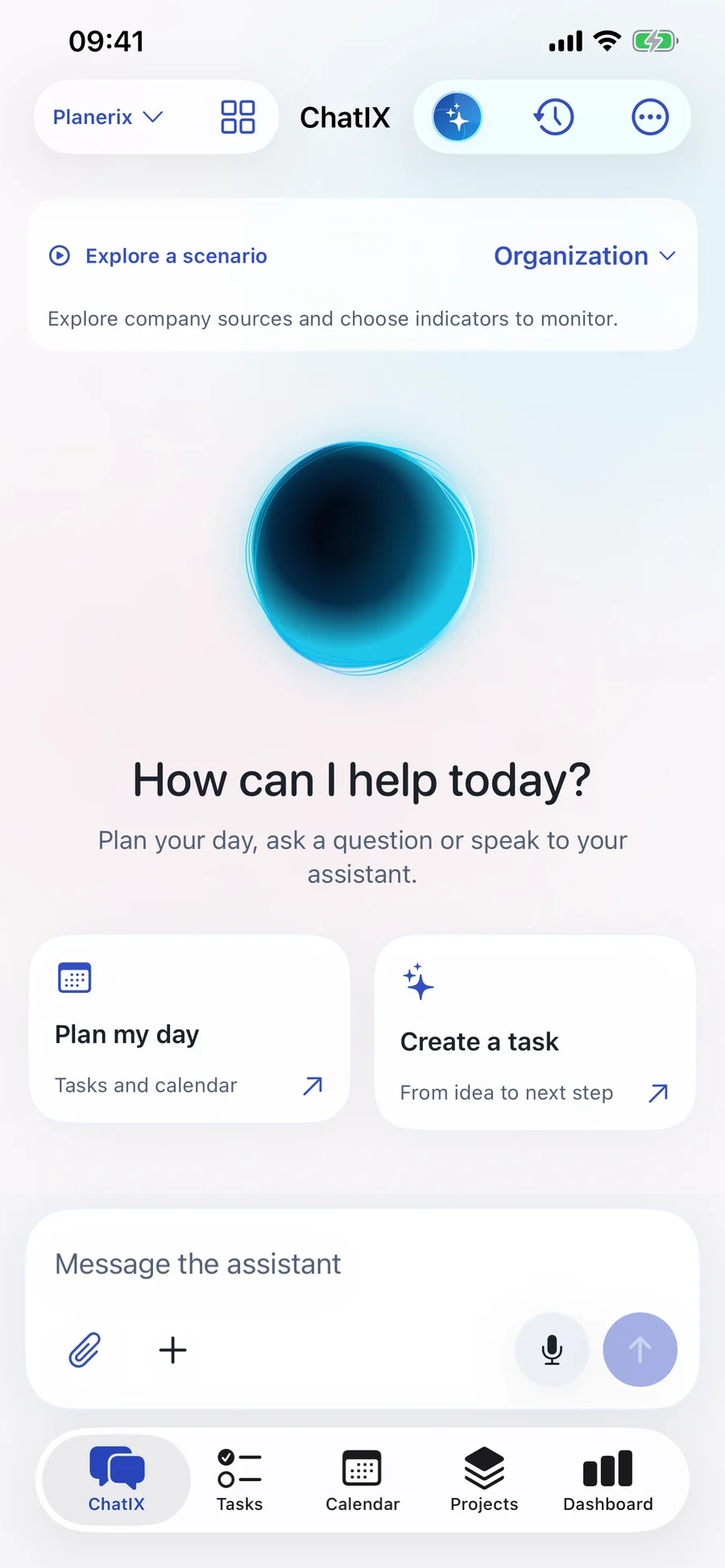
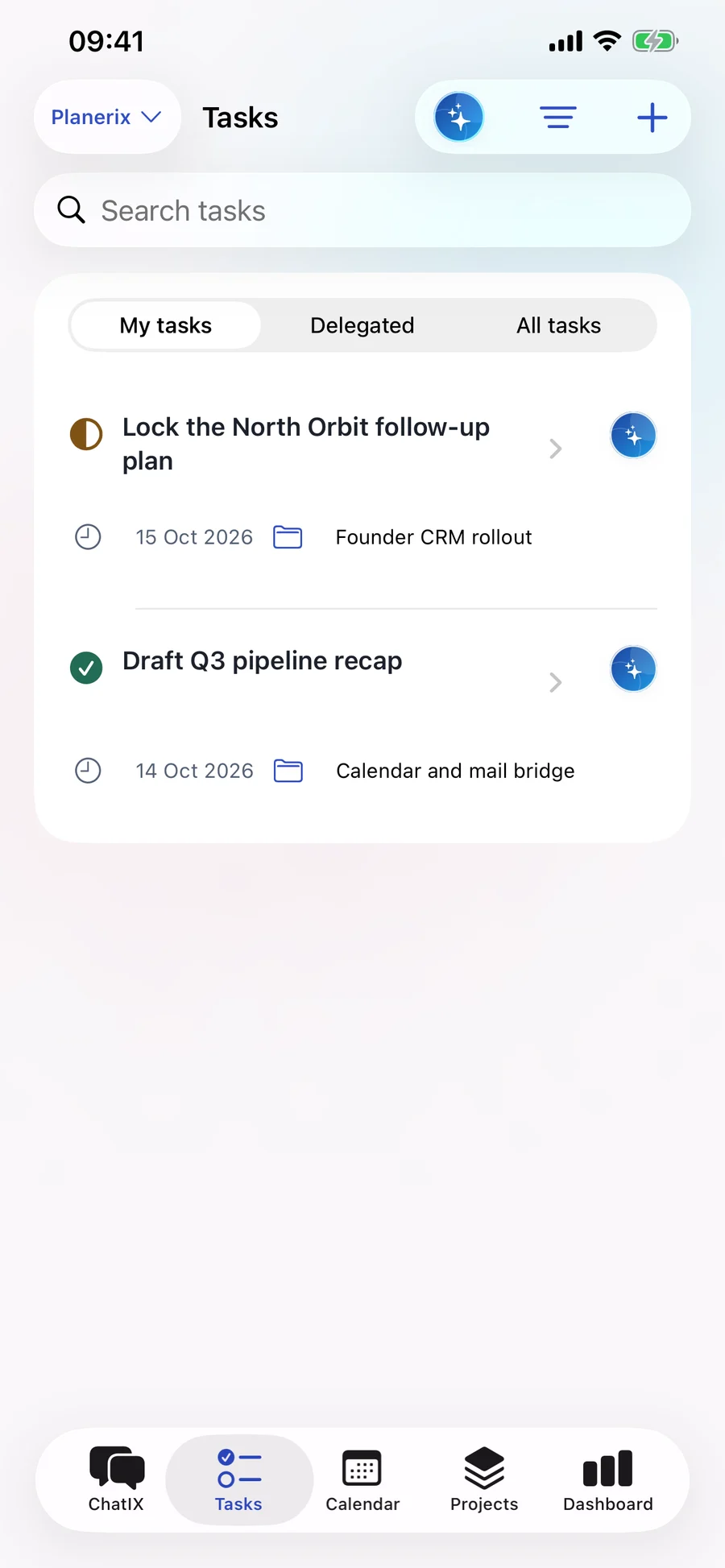
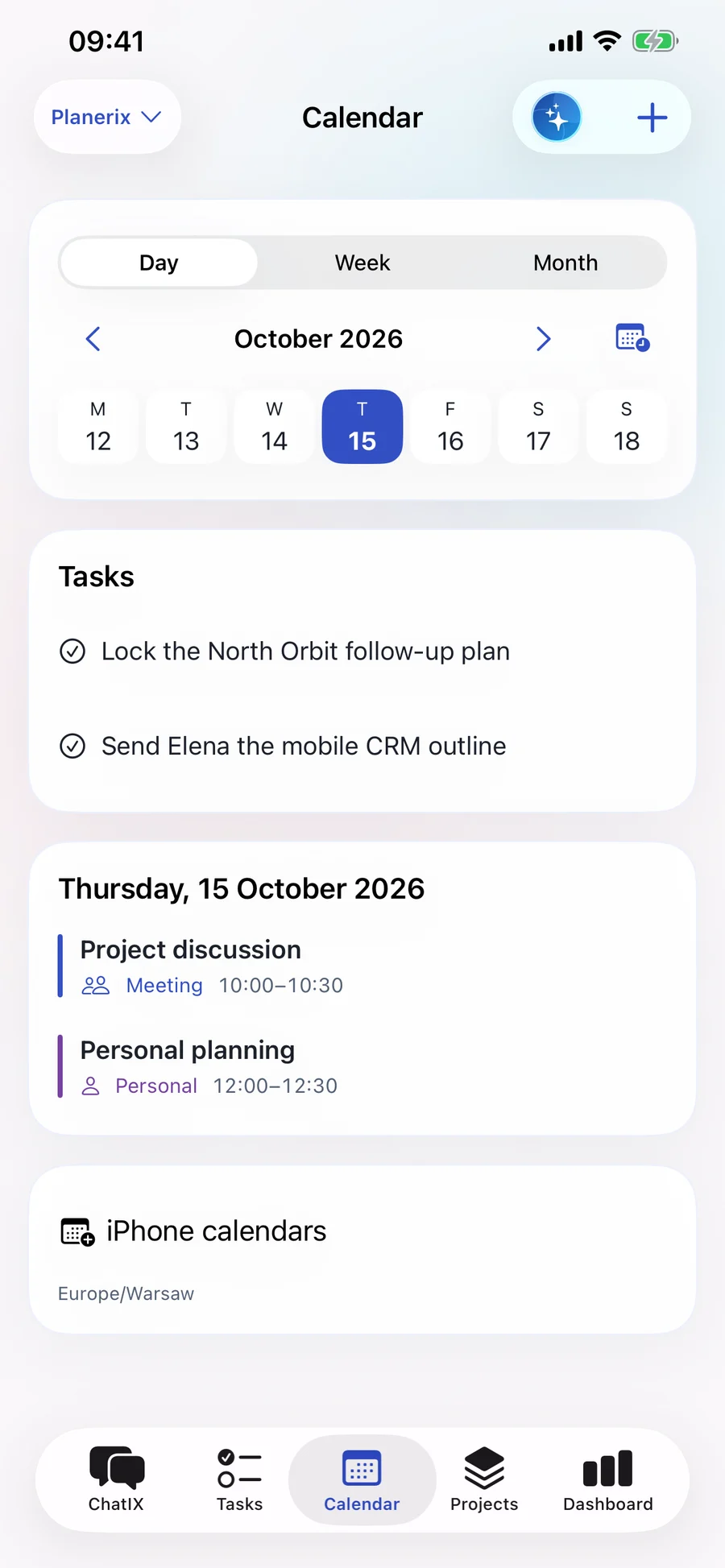
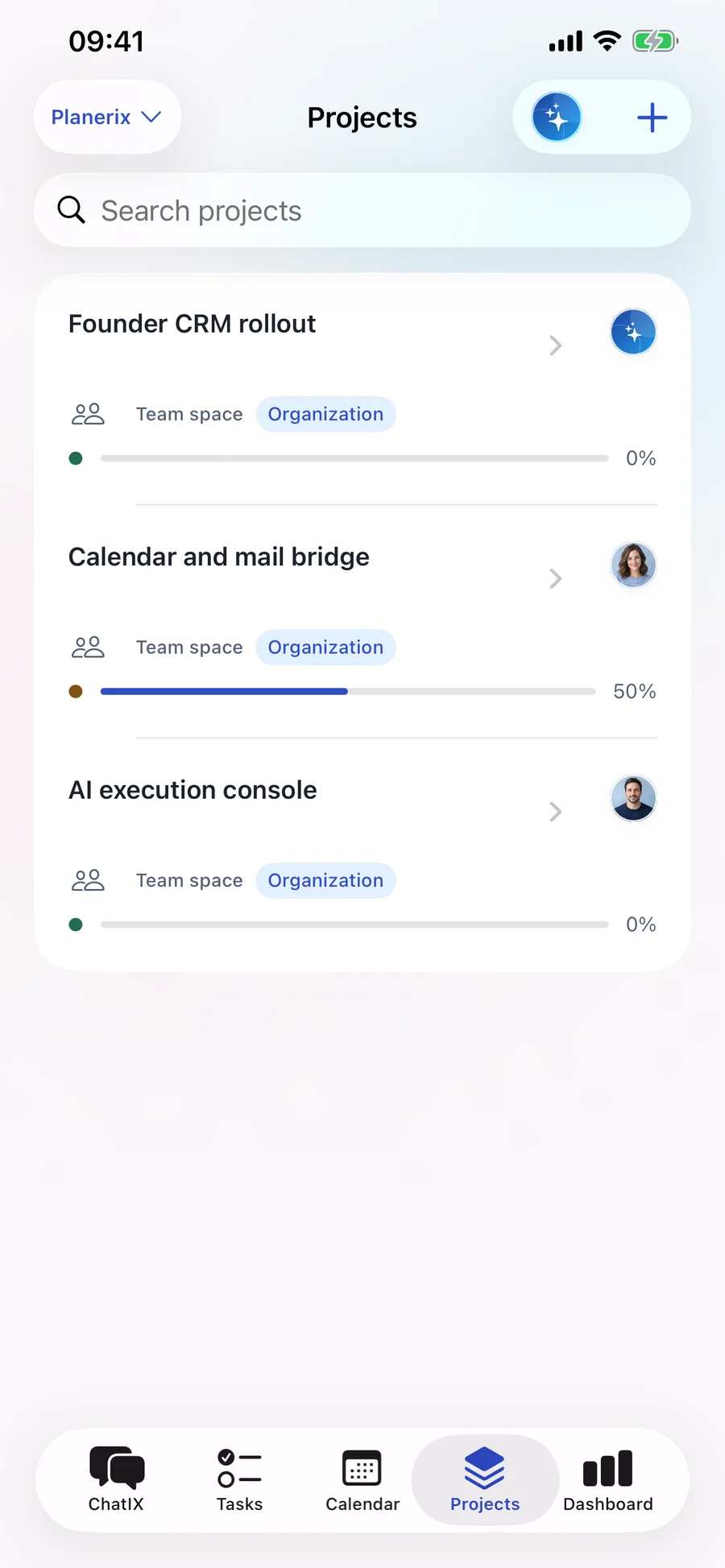
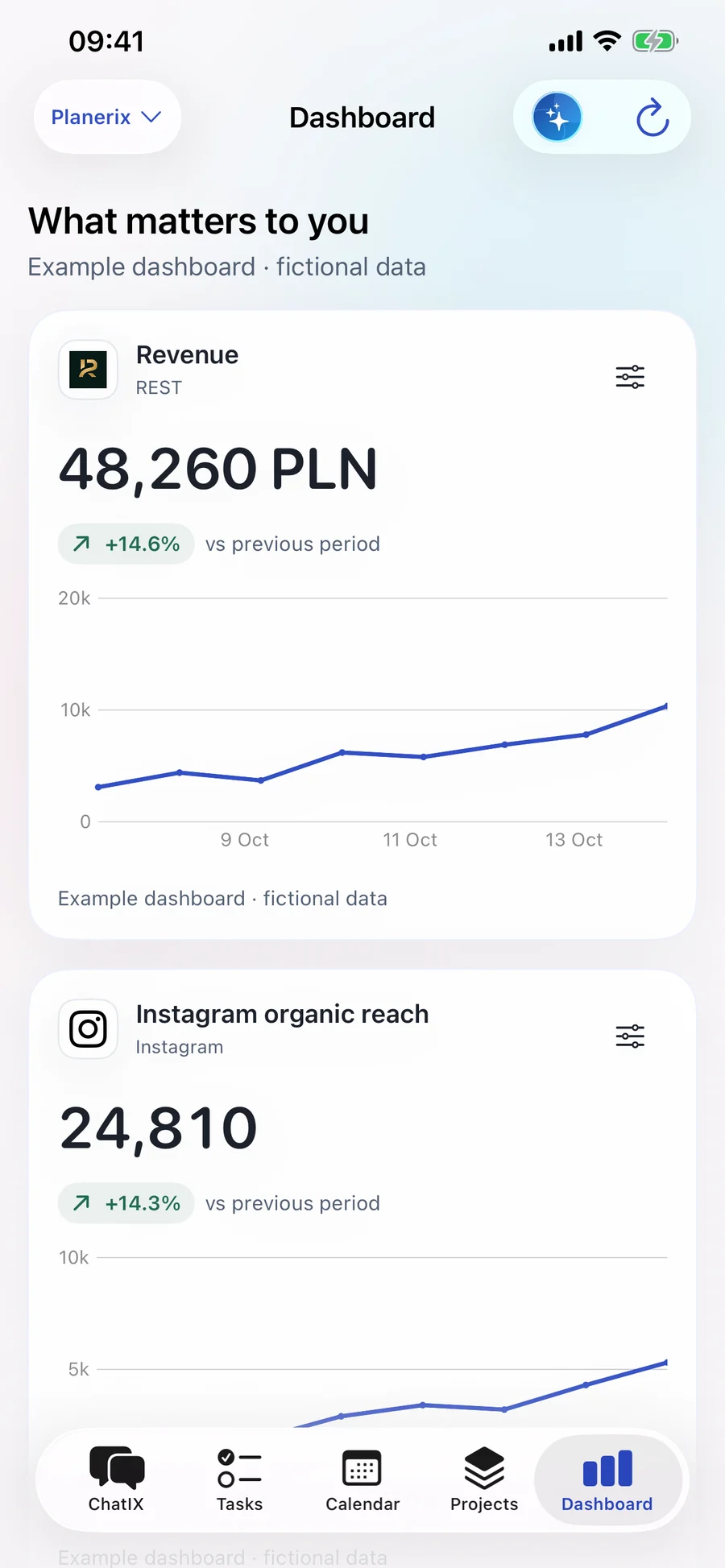
Actual Planerix 1.9 interface · demonstration data · captures from build 18. Open a screen to enlarge.
Ask by text or voice. Open a task, project or event in the conversation and explore the information available to you.
ChatIX prepares task and event changes. Review the details, confirm the action and open the saved result.
Plan your own day, then work with project members in a separate team space. Responsibilities, dates and discussion stay together.
Choose available metrics, inspect the period and compare reliable data. The assistant uses verified values for charts.
Planerix graphs link accessible records so you can follow the context behind a question. A link shows a recorded relationship; it does not by itself prove why a business result changed.
Projects, tasks and calendar events connect through ownership, dependencies and scheduling. Open the related record and continue the work.
Follow available links between documents, payment evidence and accounting events. Financial totals come from reconciled records.
Explore permitted relationships between guests, reservations, orders and locations, within the selected business scope.
The Integration Center brings connection status, history and available indicators together. Accounting, payments, restaurant systems and marketing sources are configured for your workspace. Availability, freshness and missing data remain visible.
A listed connector is not a completed connection. Local iPhone calendars stay on the device; personal Google connections require their own authorization and availability checks.
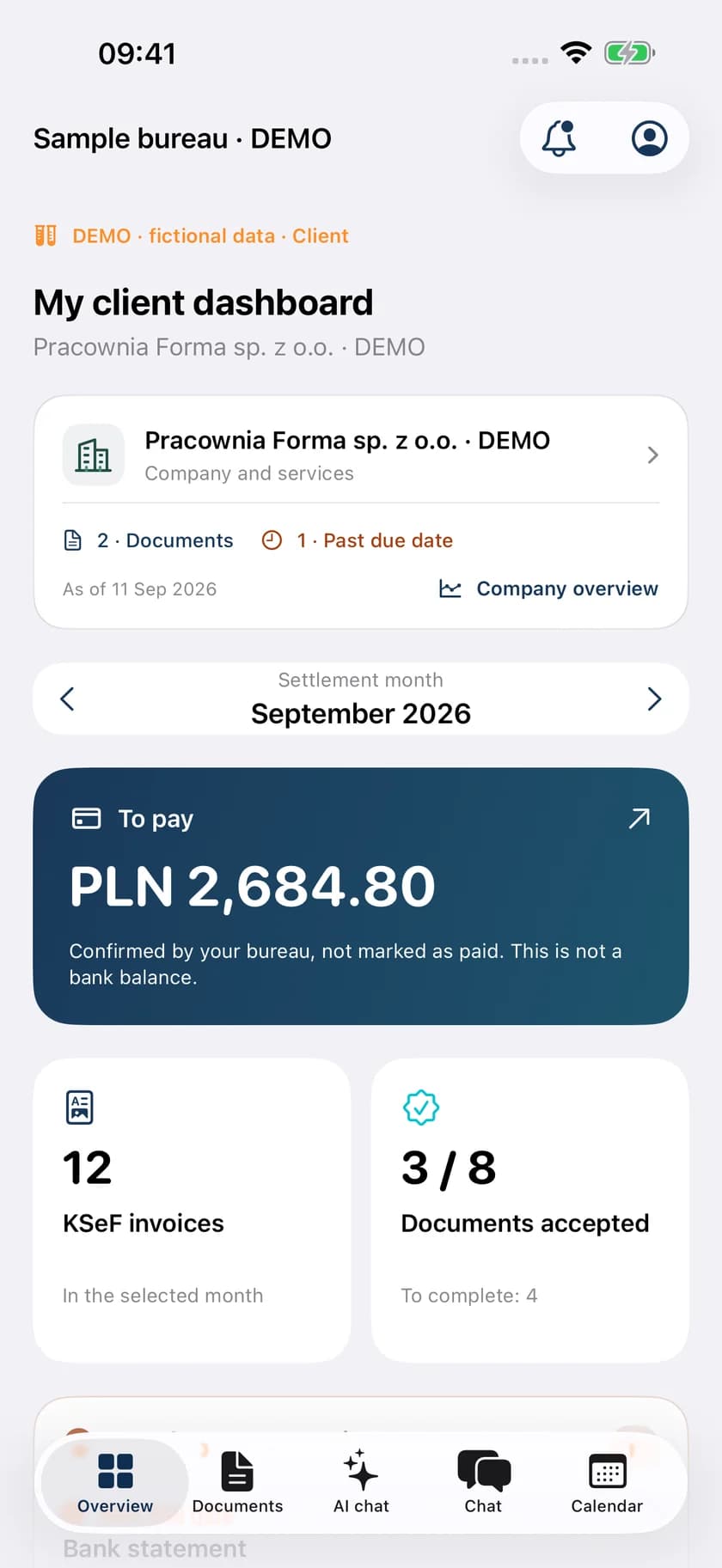
Documents, a dedicated AI chat, payment visibility, messages and deadlines. Photograph or scan a document from your iPhone.
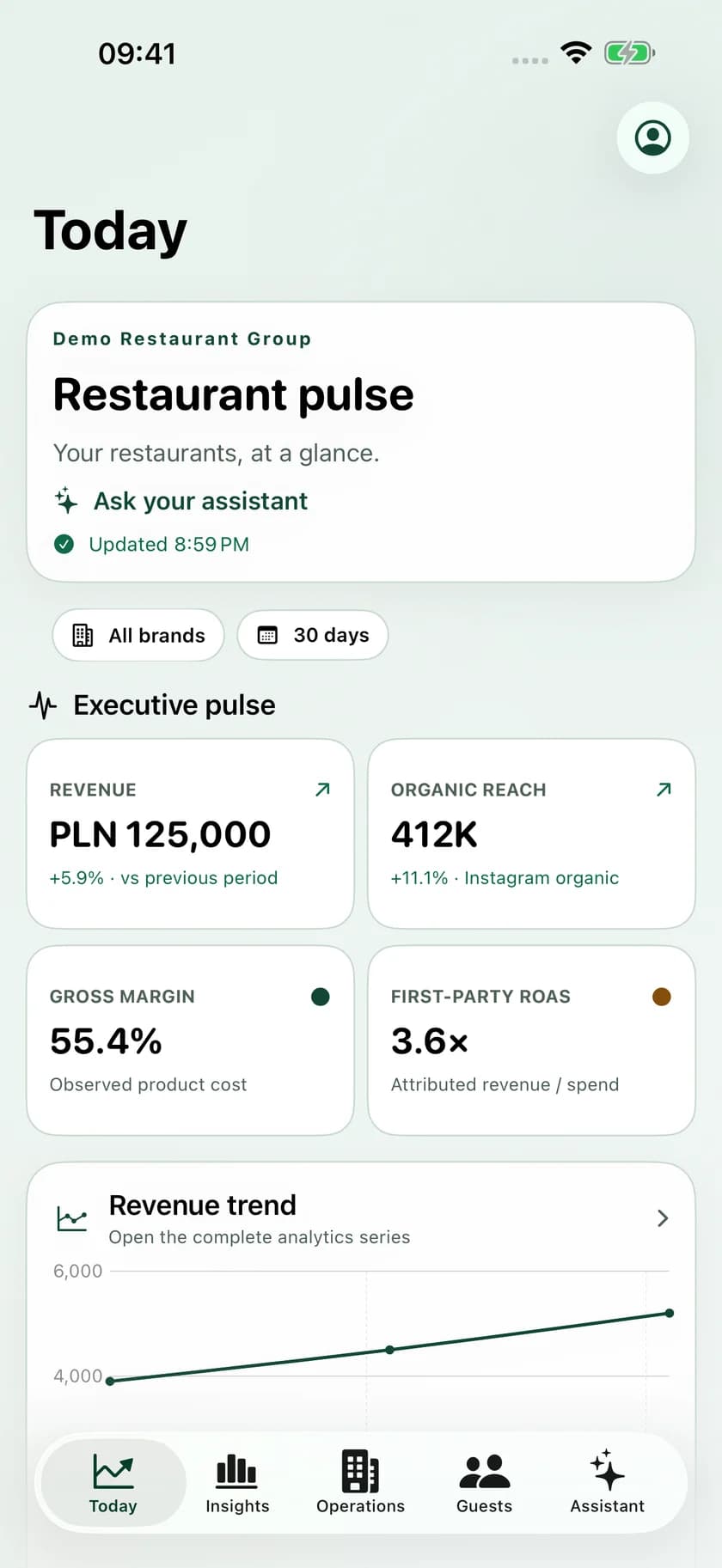
A native daily pulse with location filters, interactive trends, a dedicated AI assistant, menu intelligence and guest context.
An operational inbox for connected guest messages, reservation requests and Guest 360 context. Replies use the configured provider.
ChatIX, tasks, calendar, projects and source-based indicators. Personal and team spaces, with reviewed actions and the context behind each next step.
Mobile access is arranged with your workspace onboarding. Ask us which build and distribution channel are currently available for your product. Public App Store listings are not yet confirmed here; there is no public download link to follow.
Screens shown use demonstration data. Connected sources, notifications and available actions depend on your organization’s setup and role.
Arrange access with the teamMake it your workspace
We’ll walk through the relevant product, your current systems and a practical first rollout.