 LEG
LEG


Choose the outcome
Faster replies, a complete month of documents or a clearer daily report. Agree how you will measure progress.

AI for your business
Planerix brings your data, customer conversations and team’s work together. Use AI to understand what is happening, prepare a reply and move the next task forward.
Planerix Core
Planerix Core connects your data with AI. Assistant helps with your day, Workspace with projects, REST with restaurants and LEG with documents and accounting.
 Planerix CoreData · AI · automation
Customers, sales & marketing
See what customers ask, how sales are changing and which campaigns bring results. Connect these tools to the way your business works.
 01
01Read and reply to customer messages from the app. Keep the conversation history available to your team and assign the follow-up.
 02
02Get a summary of a long conversation, understand what the customer needs and prepare a reply. See which requests need attention first.
 03
03Bring sales and orders from your POS into Planerix. Compare locations, see which items sell and track changes in revenue and margins.
 04
04Compare campaign spend, reach, clicks and conversions where available. See how performance changes over time alongside your business indicators.
Everyday tools
Ask a question, add a document or bring an email into the conversation. ChatIX uses the information you connect and helps you prepare the next step.
 01
01Capture a document on iPhone. Bring the file into the conversation, or into LEG for extraction and review.
 02
02Speak to ChatIX when typing is inconvenient. Check the transcript, continue the conversation and confirm any task or event changes before they are saved.
 03
03Follow the links between documents, indicators, projects and tasks. Find the source behind a number and the person responsible for the work.
 04
04Compare periods and follow trends in your dashboard. See when each source was last updated and where data is missing. Refresh speed depends on the connected system.
 05
05Add an email to ChatIX and ask for a reply draft. Create a follow-up task or calendar event after reviewing the details.
 06
06Import company invoices from KSeF into LEG. Match them with documents and payments, then prepare the files your accountant needs.
Four products. One foundation.
Planerix Workspace
Plan projects, assign tasks and track progress with your team. Ask ChatIX about your work and business indicators, then review and confirm the actions it suggests.
Explore the product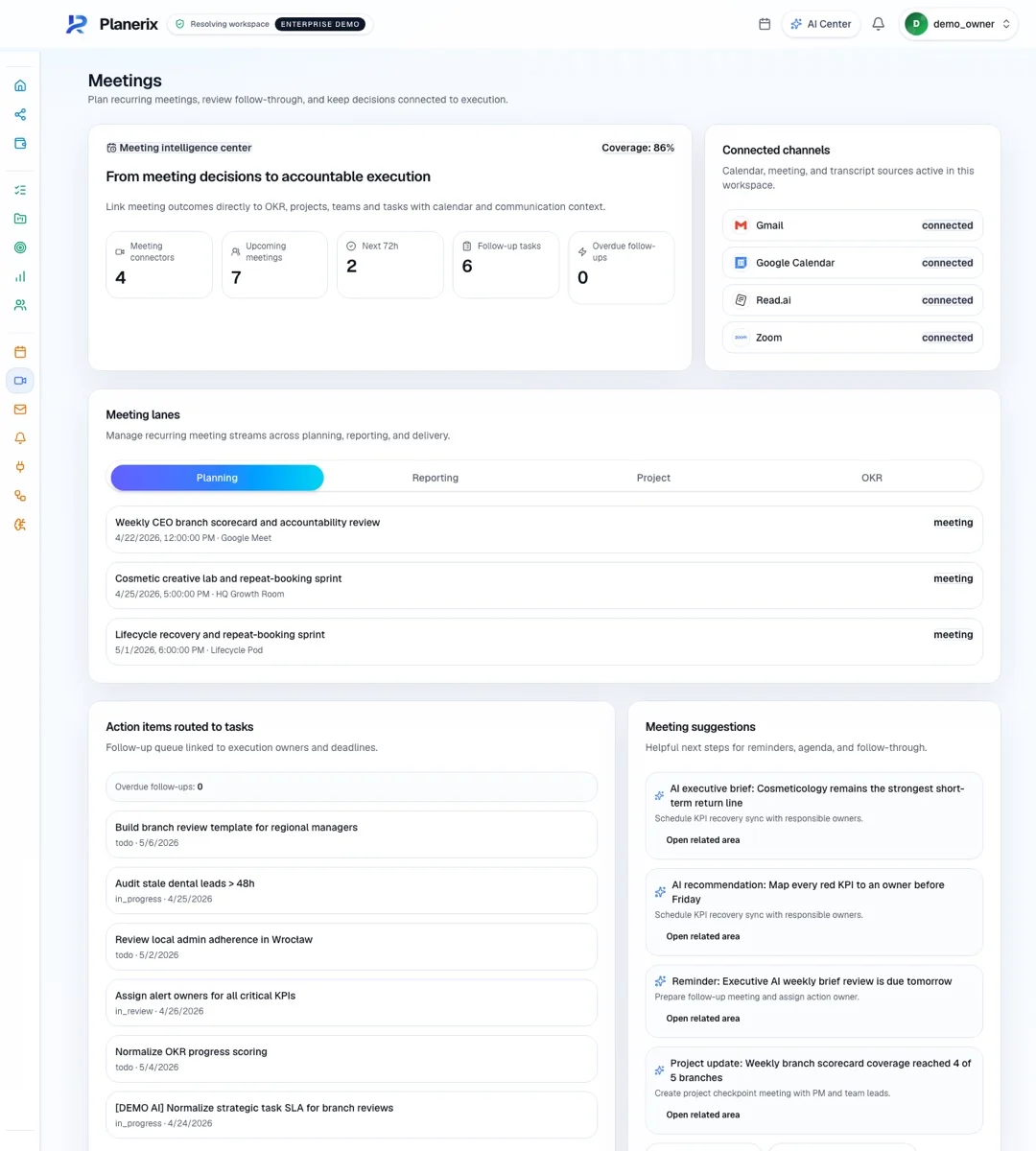
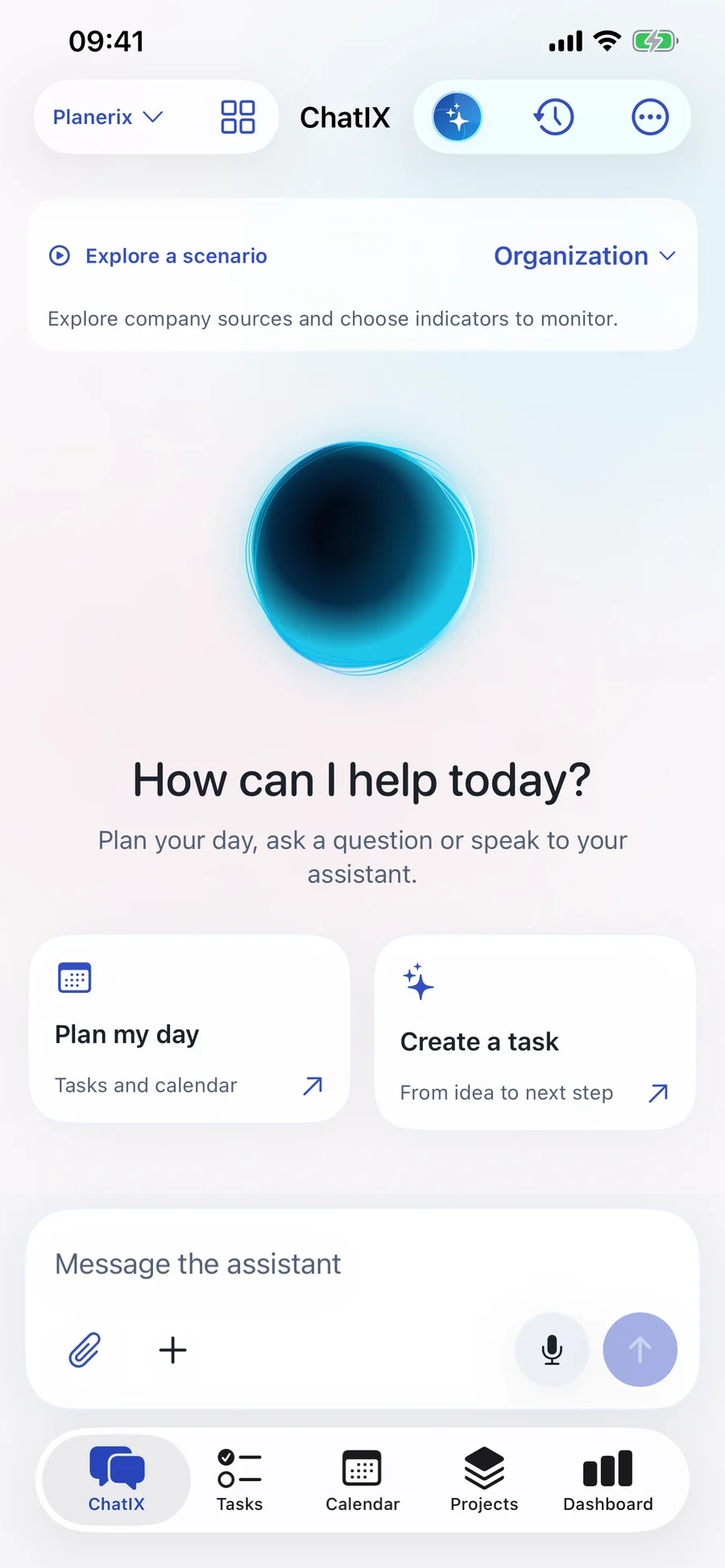
Planerix Assistant
A personal assistant for the moments between meetings. Speak a thought, scan a document, ask about your mail and keep your projects moving — in your personal or team workspace.
The iPhone app is currently available by invitation. Contact us for access.
How it works
A customer message, an invoice or a change in sales can start the work. Keep the information, decision and person responsible together.

Read the customer’s message, review the suggested reply and send it from the app. Assign any follow-up and check that the reply was delivered.
Example: guest communication
A guest writes on Instagram. In Planerix REST, the team sees the conversation, checks the assistant’s suggested reply and sends it from the app. The same approach can be configured for other customer processes on Planerix Core.
 See how REST works ↗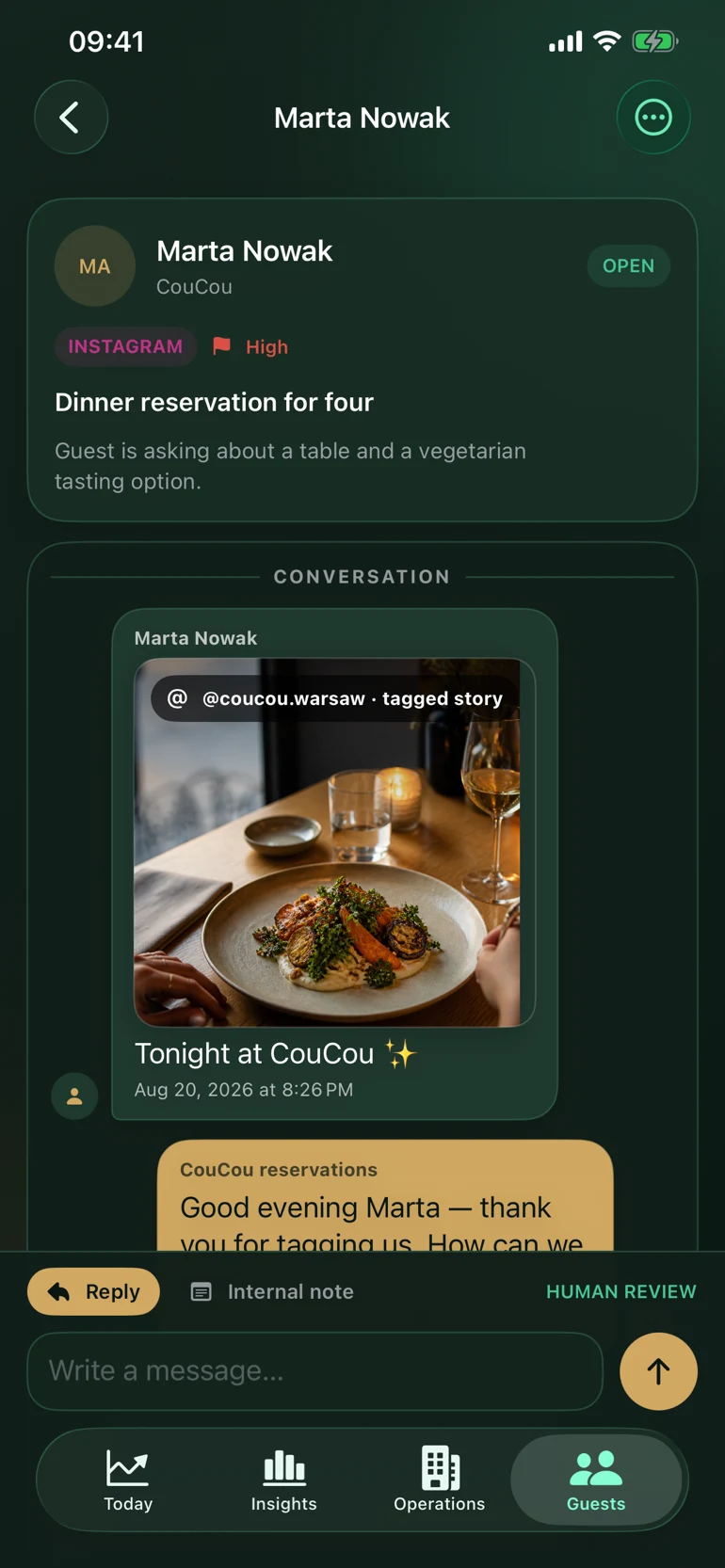
Built around your industry
Keep the systems you trust
Customer channels, POS, advertising accounts, mail, accounting and business databases. Connect the sources that matter to your process.
See available connectionsWe’ll help you check account access and set up the connections you need.
Your first useful workflow
Bring us a process your team repeats every week. We connect the right information, shape the workflow around your people and expand from a useful first result.
Talk through your first workflow
Faster replies, a complete month of documents or a clearer daily report. Agree how you will measure progress.
Bring in the sources, choose access by role and check the first records with your team.
Use the workflow, review the results and extend it to more people, locations or processes.
Tell us what takes too much time today. We’ll show you the relevant tools and agree on a useful first step.