ChatIX with your context
Type or speak to ChatIX. Add a task, project or event to the conversation so the assistant knows what you are asking about.

Planerix Assistant · native iOS
Ask ChatIX about your mail, calendar, documents and projects. Connect the information you need, prepare a reply or plan a task from your iPhone.
Request mobile accessThe iPhone app is currently available by invitation. Contact us for access.
Planerix Mobile · ChatIX
Ask ChatIX, plan your day and move work forward. Projects, tasks, calendar and the indicators you need, together on iPhone.
Request a walkthroughContact us for mobile access. We’ll help you connect the app to your personal or team workspace.
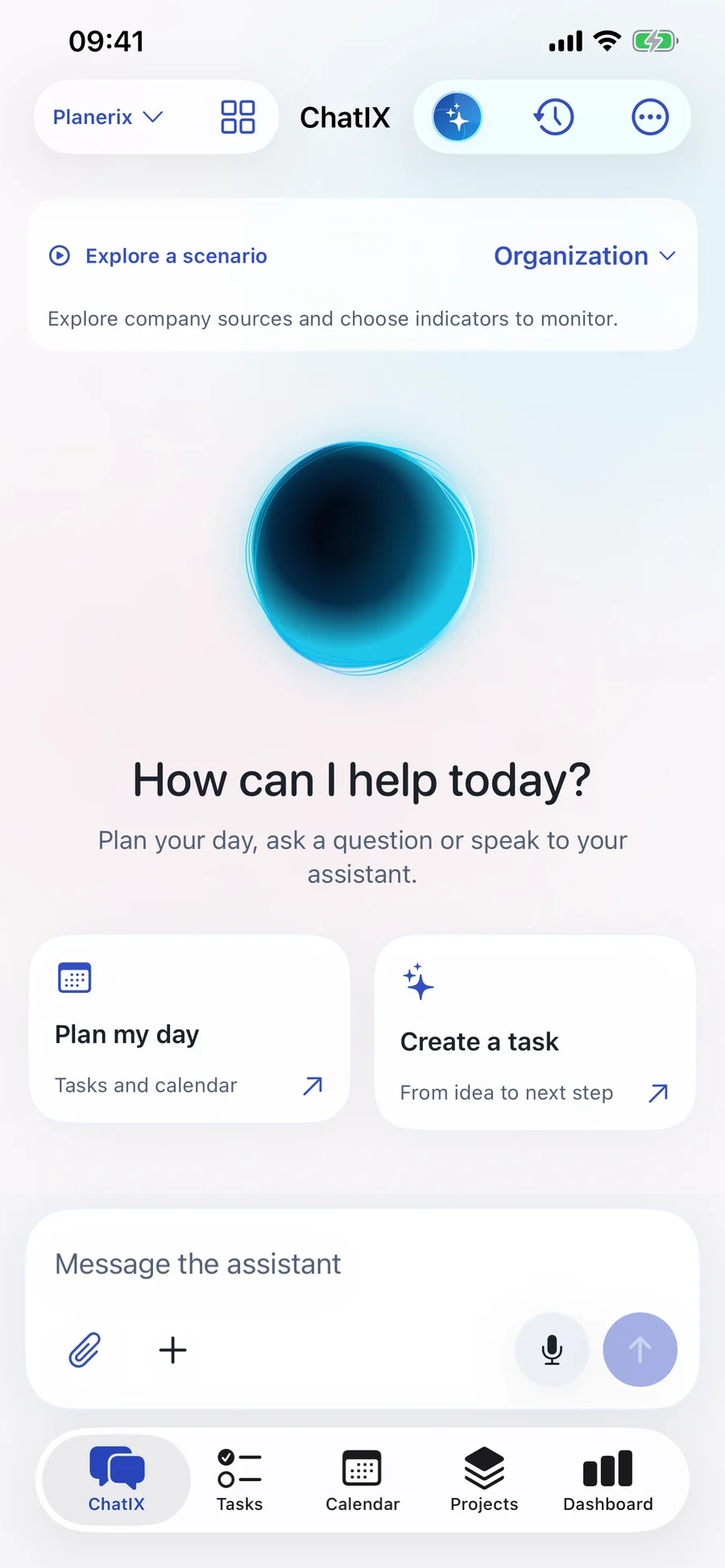
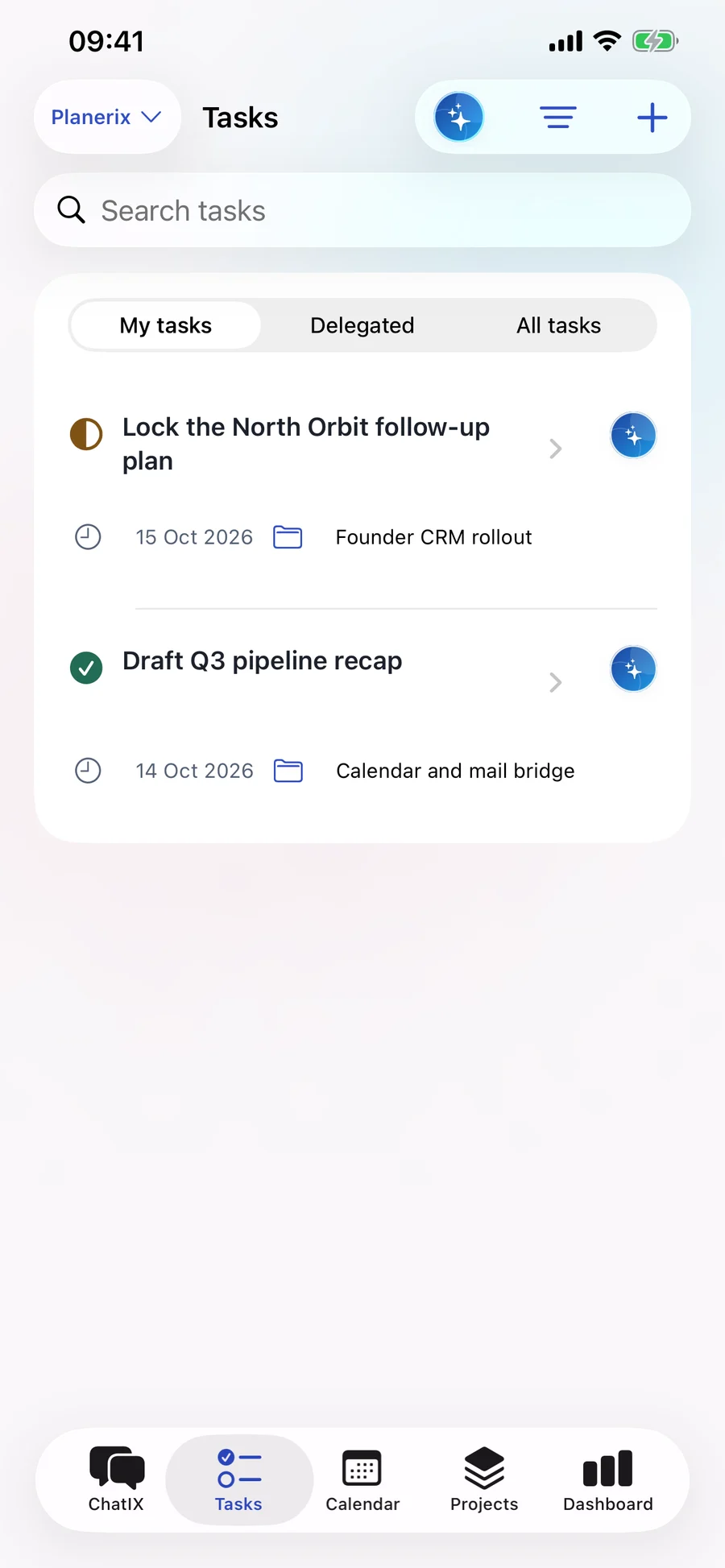
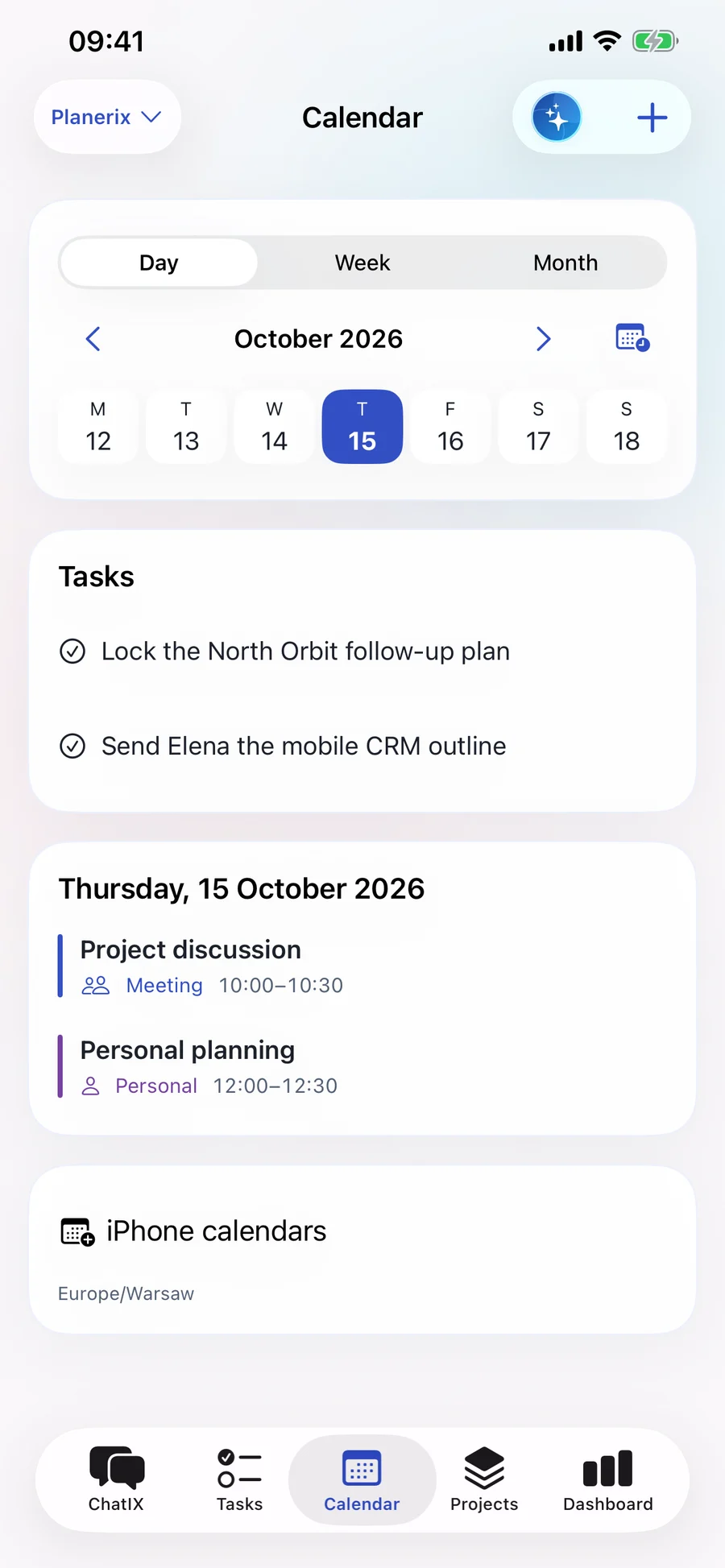
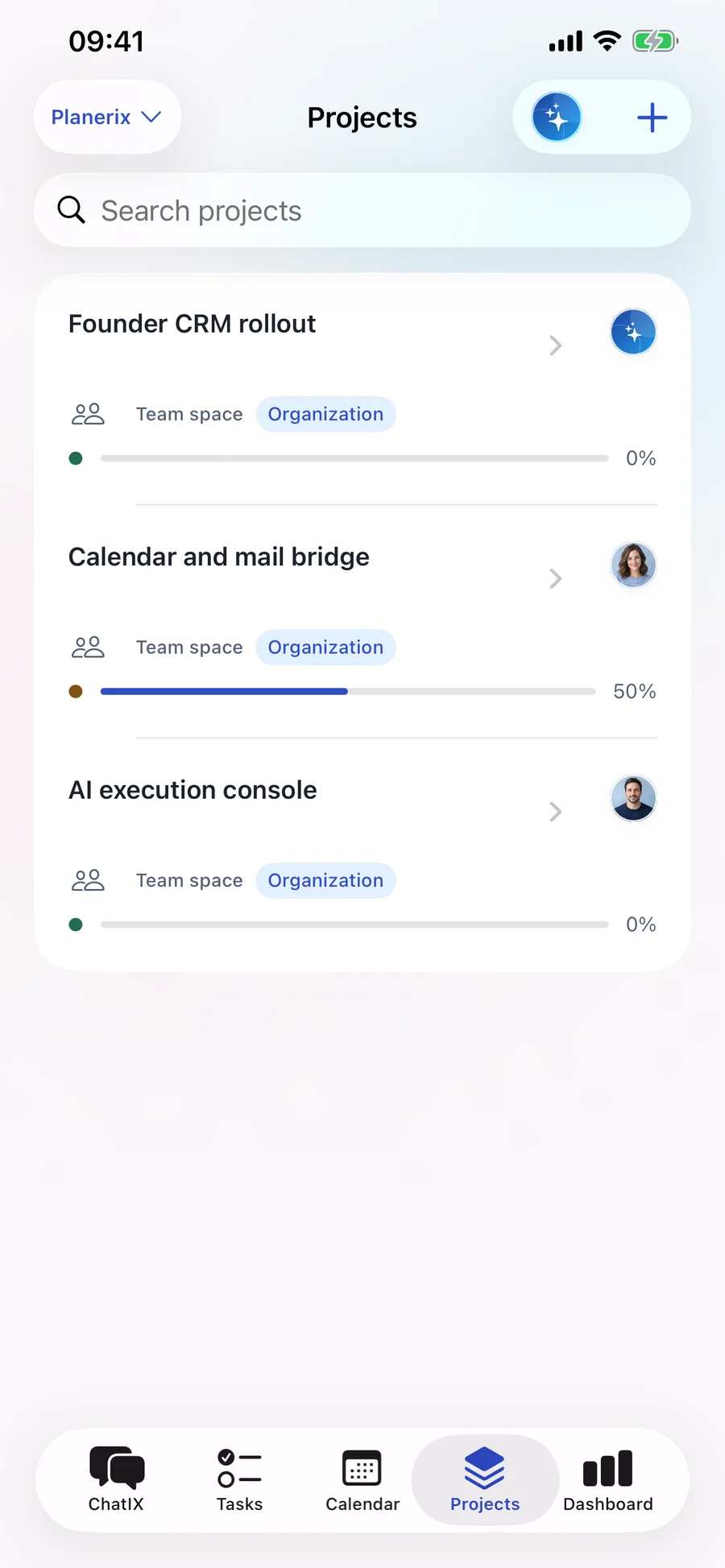
App screens with sample data. Select a screen to enlarge it.
Type or speak to ChatIX. Add a task, project or event to the conversation so the assistant knows what you are asking about.
Ask ChatIX to create or update a task or event. Check the details and confirm before the change is saved.
Plan your own day, then work with project members in a separate team space. Responsibilities, dates and discussion stay together.
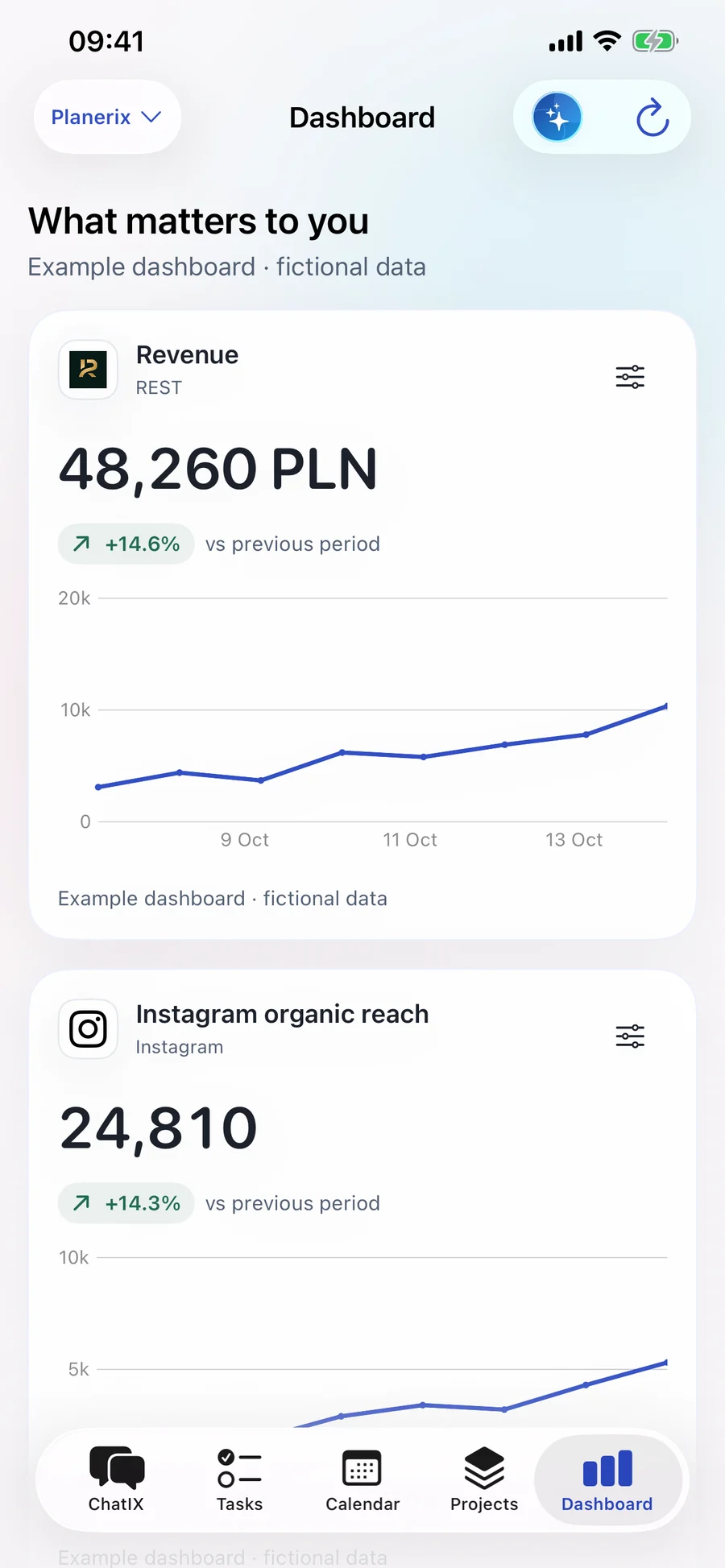
Choose the indicators you need and compare periods. Check the source behind each figure before using it to make a decision.
Business Graph connects related documents, tasks and projects. Follow a link to the original record instead of searching through separate tools.
See the project a task belongs to, who is responsible and how it fits into the calendar. Open the related item to continue working.
Open the documents and payments behind an accounting record. Check what has been matched and what still needs review.
See the reservations, orders and locations linked to a guest, with the access your role provides.
See which sources are connected, when they last updated and which indicators they provide. Check the status of your accounting, payment, restaurant and marketing connections in one place.
Choose a source and complete its setup to start using the data. Google accounts require your permission; local iPhone calendars stay on your device.
You confirm the action
Keep personal and company work separate. Each person sees the information and actions their role allows.
Add an email to ChatIX. Ask for a reply draft or a task, check the details and confirm the responsible person and deadline.
Everyday tools
 01
01Capture a document on iPhone. Bring the file into the conversation, or into LEG for extraction and review.
02Speak to ChatIX when typing is inconvenient. Check the transcript, continue the conversation and confirm any task or event changes before they are saved.
 03
03Follow the links between documents, indicators, projects and tasks. Find the source behind a number and the person responsible for the work.
 04
04Compare periods and follow trends in your dashboard. See when each source was last updated and where data is missing. Refresh speed depends on the connected system.
 05
05Add an email to ChatIX and ask for a reply draft. Create a follow-up task or calendar event after reviewing the details.
 06
06Import company invoices from KSeF into LEG. Match them with documents and payments, then prepare the files your accountant needs.
Tell us what takes too much time today. We’ll show you the relevant tools and agree on a useful first step.