
Professional services
Turn client requests into work that gets done.
Spend less time asking for updates. See who is responsible for each request and how the work is progressing.
Discuss this workflowThe challenge
What slows the team down.
Client requests arrive by email, decisions stay in meeting notes and tasks live elsewhere. It becomes hard to see what was agreed and who should act next.
What Planerix brings together
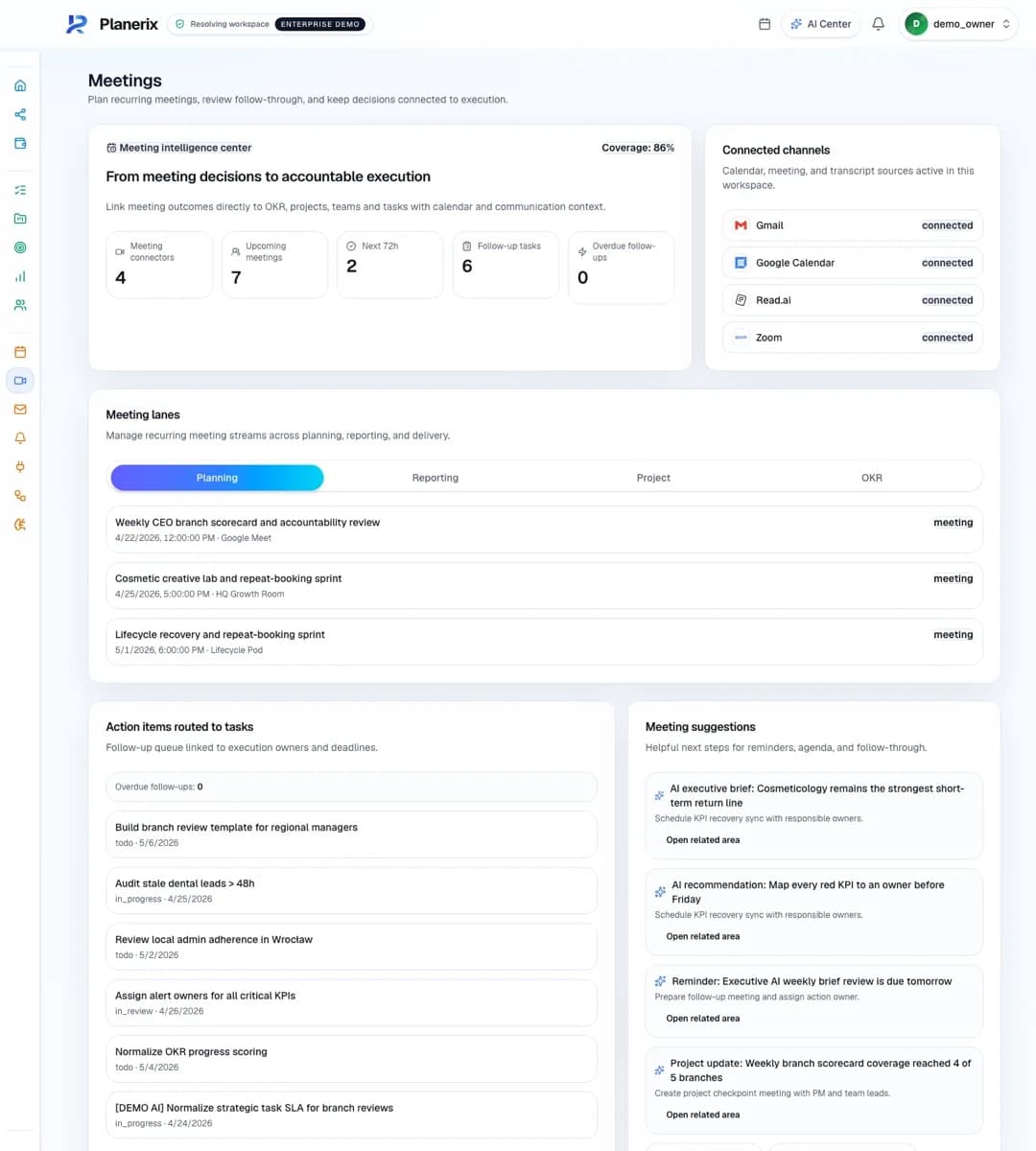
Workspace connects projects, tasks, goals and meetings. The mobile assistant brings a selected email or document into the conversation and prepares actions for confirmation.
What gets easier
Spend less time asking for updates. See who is responsible for each request and how the work is progressing.
How it works
The workflow, step by step.
Prepare and confirm the task
Track delivery and follow-up
Connected sources
Projects, tasks, calendars, connected Gmail and user-selected documents, within the selected workspace.
Setup and requirements
Use Workspace with the mobile assistant. If you need to update records in an external CRM, we’ll agree on that connection separately.
Results to track
Make the improvement visible.
Time from request to assigned task
Overdue commitments
Time spent on status reporting
Choose the indicators that matter to your team, record where you start and compare progress over time.
What would you like to make easier?
Tell us what takes too much time today. We’ll show you the relevant tools and agree on a useful first step.